

STWmail, our modern email service for your own domain, is now included with web hosting, WordPress hosting and every domain you hold with us. If you have one of those products, the mail service is already sitting in your account and you can activate a mailbox whenever you want one.
For existing ServeTheWorld customers
If you already have a hosting account, your existing email will continue working as before. If you have a domain where you need email, you can activate STWmail at any time in the STW Control Panel.
Go to Domains → My domains, find the domain and switch on Email. Once activated, STWmail will appear under Products in the STW Control Panel.
Open My products, select the STWmail product listed under your domain, and create your email address.
If you recently purchased a domain or hosting package
If you recently purchased a domain through us or any GH3 or WP2 web hosting package, STWmail is already included.
Open My products in the STW Control Panel, select the STWmail product listed under your domain, and create your email address.
If you are new to ServeTheWorld
Consider a domain or GH3 or WP2 web hosting package, with STWmail already included.
If professional email is all you need, just activate STWmail on its own.
Once activated, STWmail will appear under My products in the STW Control Panel, where you can create your email address.
An included mailbox is professional email on your own domain, with 300 MB of storage and the full Premium Webmail experience. Including it on all accounts is one of several changes we’ve made this year to services our customers use every day. We wrote about why we chose Open-Xchange to run it when the service first launched.
What comes with an included mailbox
Every STWmail service gives you:
- Premium web-based email app at mail.stw.no, with mail, calendar, address book and tasks
- As many mailboxes as you need, each with its own 300 MB
- Free forwarders
- A free migration tool
- External accounts in the same inbox
- Two-factor authentication
- Premium antivirus and antispam
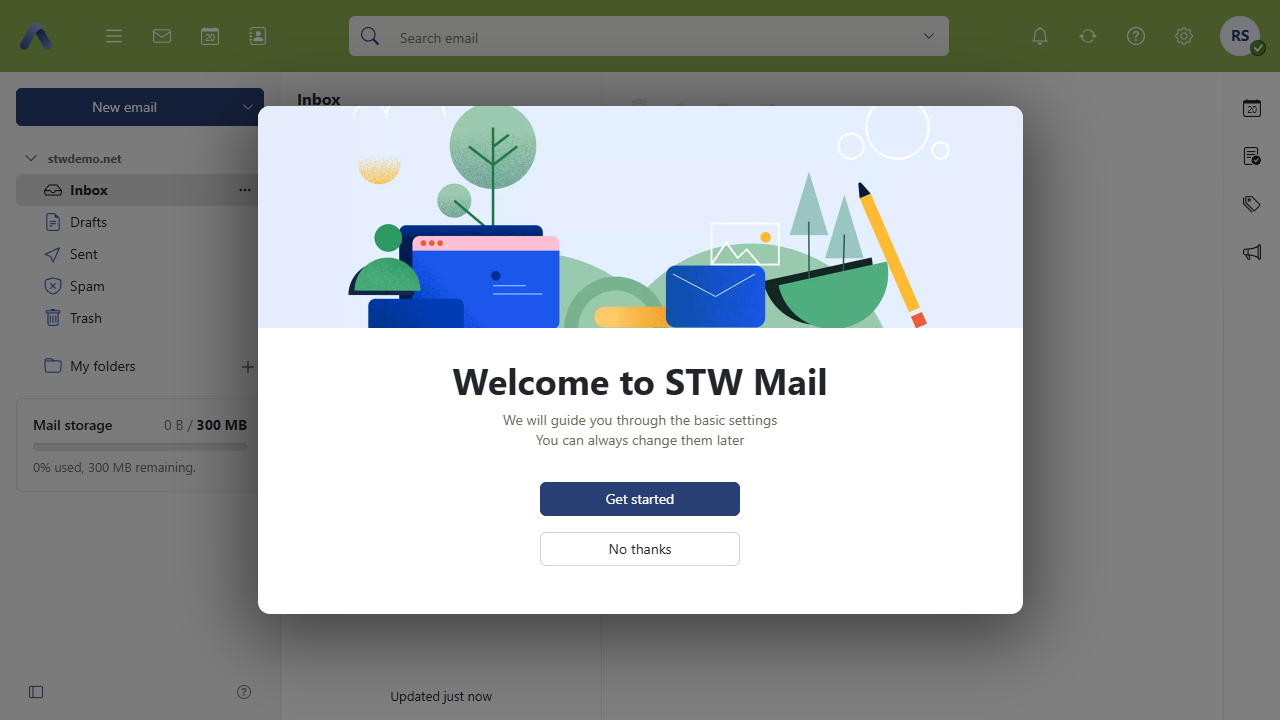
Web-based email app with a calendar and contacts built in
Mail, calendar, address book and tasks share one window for easy access. Email runs in the browser and looks the same on a laptop or a phone, and you can install it as an app from the settings menu.
An address for everyone who needs one
Create as many included mailboxes as you like, each with 300 MB of its own. Forwarders can pass mail straight to an address someone already uses.
Your existing mail can come with you
The free migration tool copies mail across from your current provider when you’re ready to move. Our support team can also do the move with you, so get in touch if you’d rather not handle the migration of existing mailboxes yourself. You can also connect an existing Gmail, Outlook or iCloud account and read it in the same window as your STWmail address, either as separate inboxes or as one unified list.
Filtering and two-factor come as standard
Premium antivirus and antispam scan incoming mail before it reaches you.
Two-factor authentication adds a second step at sign-in, normally a code from your phone, so a stolen password alone won’t get anyone into the mailbox. Webmail offers to turn it on the first time you sign in.
Adding mailboxes
Setting up a new mailbox takes about a minute in STW Control Panel. Find the STWMail product on your dashboard, listed under the domain it belongs to, and click Manage.
- Open Email addresses and click Create email.
- Choose a plan (the Included plan is 0 kr/month).
- Pick the address and set a password of at least ten characters.
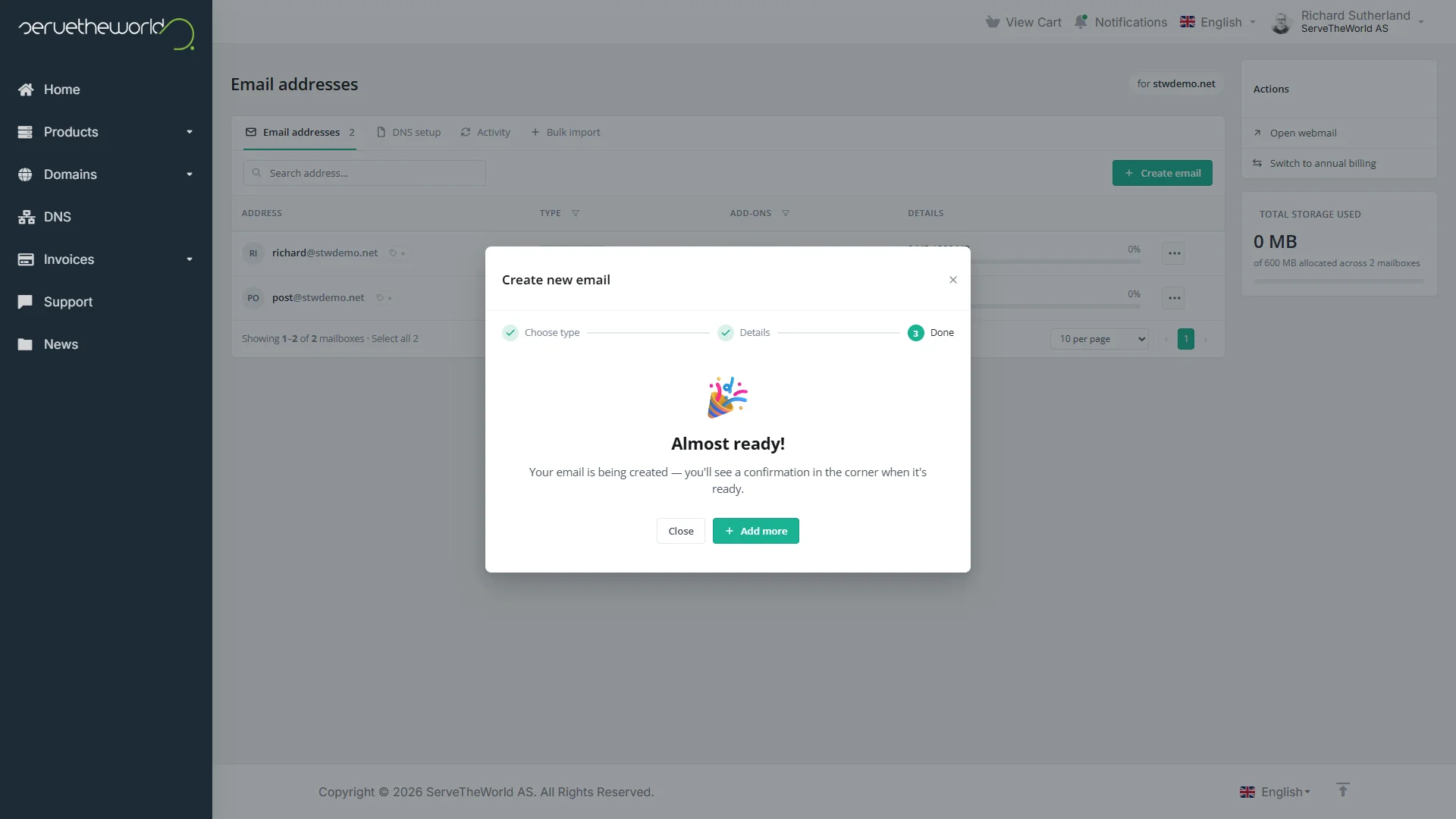
The mailbox is ready a few seconds later. Sign in to it at mail.stw.no, where the first login walks you through two-factor authentication and the basic settings.
For an address that only passes mail somewhere else, you can choose Forwarder at step 2 and give it a destination.
Your DNS records, checked for you
Mail delivery depends on a handful of DNS records, and STWmail keeps them together on a tab of their own. The MX records, the SPF line, the DKIM key and the SRV records for IMAP, POP and SMTP each show their current status, re-checked every fifteen minutes, so a glance tells you mail can flow.
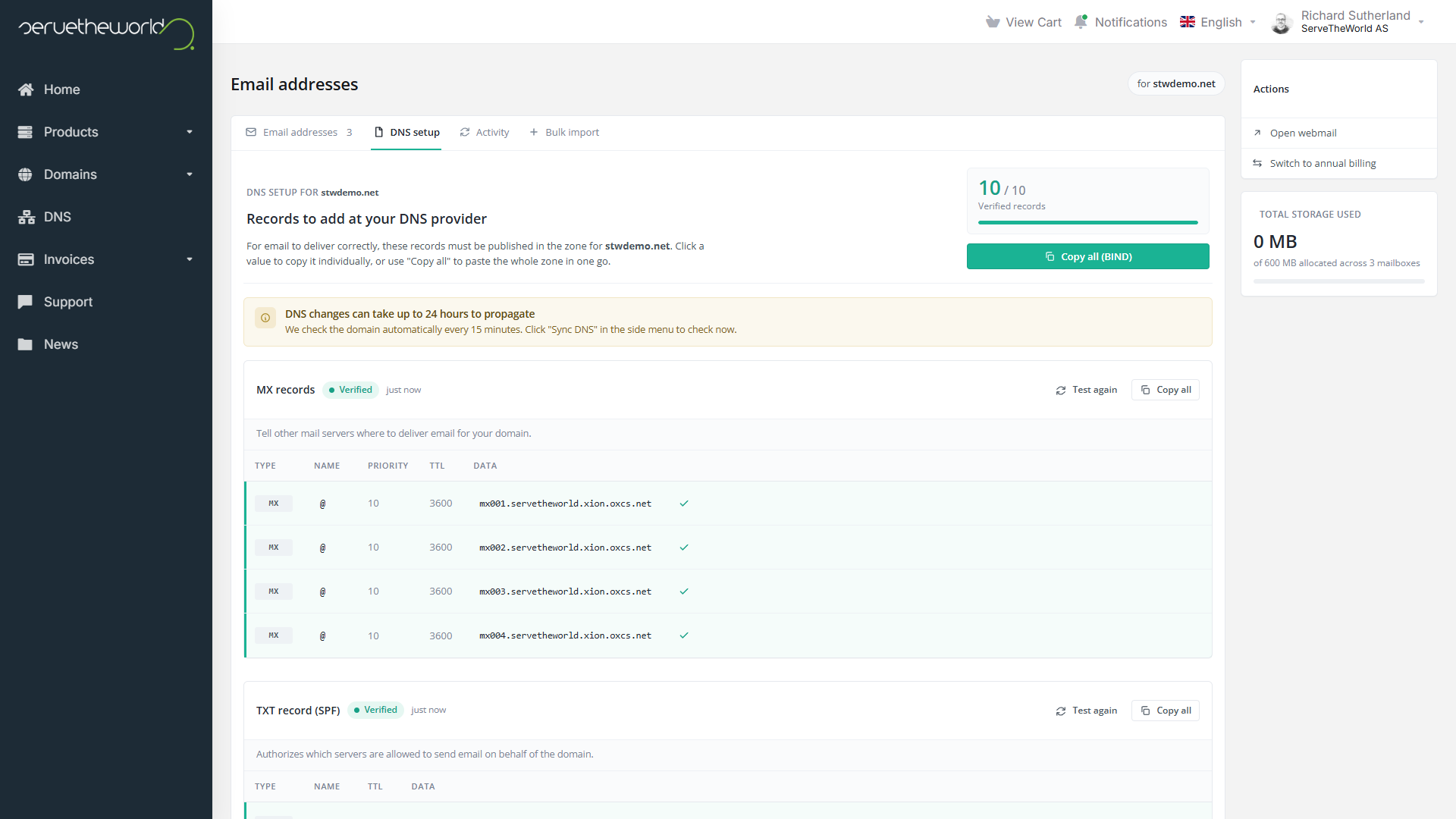
If your domain uses our nameservers, the STWmail template in the DNS panel drafts the whole set in a single click. If it’s hosted somewhere else, you can copy an individual value, a record group or the entire zone in BIND format and paste it into the other provider’s panel.
If you already have email with us
Mailboxes through the hosting control panel are still available to hosting customers, old and new, and they keep working the way they always have. STWmail sits alongside them, so you decide how much you move over. Take one address across, run both for a while, or leave your existing setup completely alone.
Room to grow
Upgrades to STWmail are available should you need them.
Plus takes one mailbox to 5 GB and turns on IMAP, POP and SMTP, so Outlook, Apple Mail and phone clients sync with the mailbox directly. Shared calendars and contacts come with it, which suits a team that needs to see each other’s availability.
Pro goes to 50 GB per mailbox and adds cloud file storage and the online office suite, where two people can work on the same document at once. Any mailbox can also pick up an AI assistant that drafts replies and summarises long threads, or end-to-end encryption for correspondence that calls for it.
You can upgrade one Included or Plus mailbox and leave everyone else where they are. Upgrades apply immediately with prorated billing, and downgrades take effect at the end of the current period.
Where to start
Including STWmail with hosting and domains comes from the same thinking as the new DNS control panel we launched in July, which gave DNS records a home of their own and added one-click templates for the services customers point their domains at. We’re steadily making the products you already buy from us do more, with less to set up before they’re useful.
Our Support Hub has further guides if you need them, and you can always get in touch and we’ll walk you through it.
More on STWmail
- Introduction to STWmail. Why we chose Open-Xchange and how the service is put together.
- STWmail Mailbox Types, Features, and Setup Options. The three mailbox types compared, feature by feature.
- Getting Started with STWmail. Activating the service and moving your mail across.
- STWmail is Included with Your Hosting and Domains (this post). What comes with every domain and hosting plan you hold with us.
Richard Sutherland,
Technical writer, ServeTheWorld